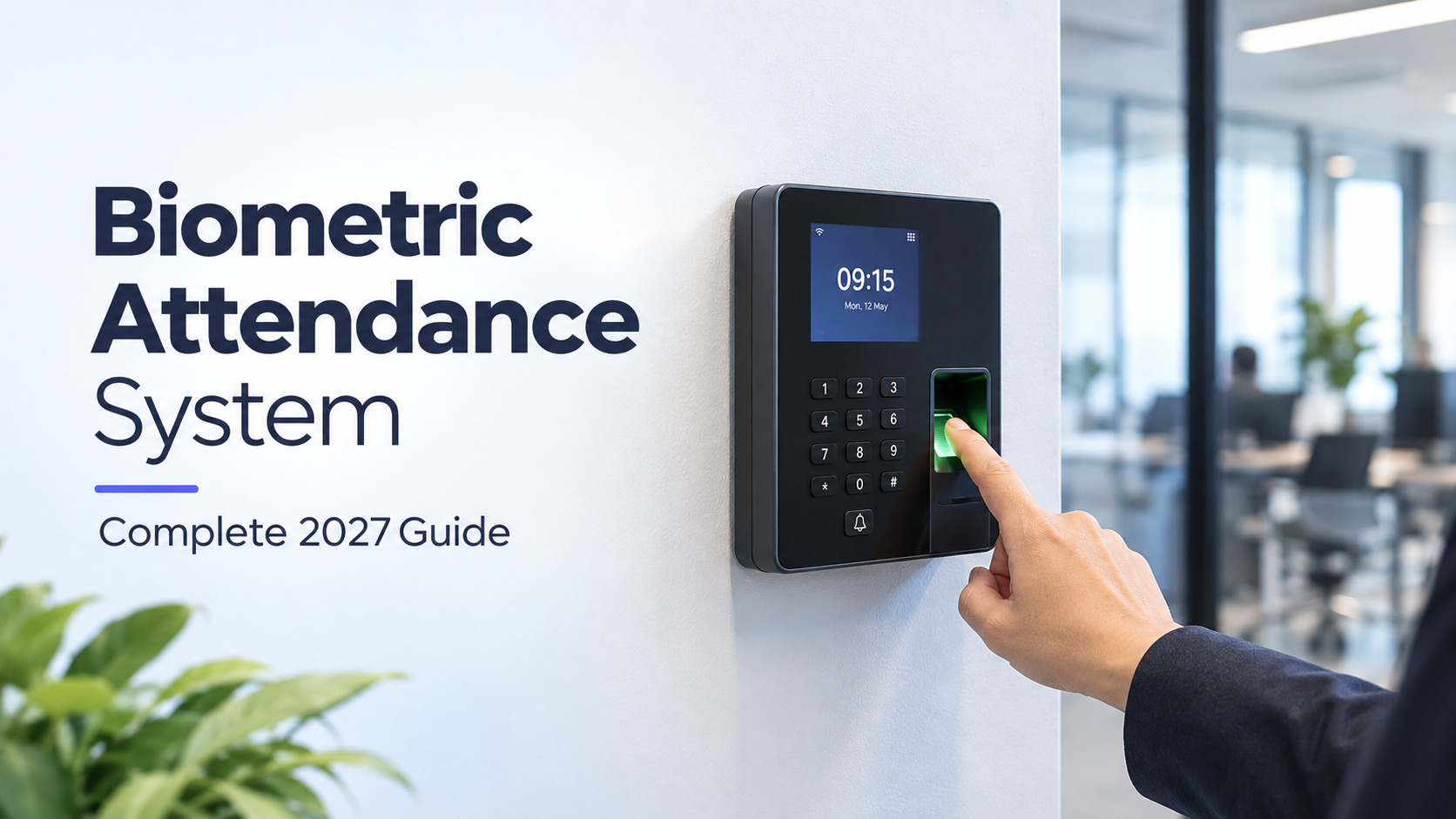
Biometric Attendance System: How It Works, Types, Cost and Legal Checks (2027 Guide)
Every month, someone in your team clocks in for a colleague who is still stuck in traffic, and you pay for those hours. Registers, swipe cards and PINs cannot stop this, because they all prove that something was used, not who used it.
Biometric attendance fixes that by checking a body trait, such as a fingerprint or face, before it logs a punch. This guide explains how it works, how the four main methods differ, what you will really pay over three years, where it fails in daily use, and which privacy rules apply in India, the EU and the US. It is written for HR heads and business owners who need to choose a setup, not just read about one.
What a biometric attendance system actually does
A biometric attendance system identifies each employee by a physical trait, such as a fingerprint or face, and records when they arrive and leave. It replaces registers, cards and PINs, which can be shared or faked, and sends each verified punch to payroll, shift and leave records.
How one punch works
- Enrolment. A new joiner scans once, and the machine turns the scan into a numeric template.
- Verification. At the door, a fresh scan is compared with that template.
- Logging. A match creates a timestamped record.
- Syncing. The record reaches software that applies your rules for late marks, overtime and half days.
The machine stores numbers, not a photo of your finger or face. The ISO/IEC 19794 standards define how biometric records are formatted, yet templates from one brand often will not open on another brand's terminal. Think about your exit route before you commit.
Why companies switch
- Proxy punching stops. You pay only for hours worked.
- Records hold up. Timestamped entries help in labour inspections and contractor billing.
- Payroll gets faster. Hours calculate automatically instead of being typed into spreadsheets.
For the full product view, see our biometric attendance system page.
Fingerprint, face, iris and palm: how each method works
Fingerprint readers match ridge patterns, face terminals match facial geometry, iris scanners match the eye's texture, and palm readers match vein patterns. Fingerprint is the cheapest and most common, face is fastest and touch-free, iris is the most precise but costly, and palm suits hygiene-sensitive sites.
1. Fingerprint (Rs 5,000 to 15,000, about 1 second). An optical or capacitive sensor reads ridges and key points called minutiae. It is proven and affordable. Dry, worn, oily or cut fingers cause rejections, especially for construction, farm, kitchen and factory staff.
2. Face recognition (Rs 8,000 to 35,000, under 1 second). A camera measures distances between facial features. Newer terminals add infrared and depth sensors, so photos and phone videos fail. Results depend on lighting, camera and software. NIST's independent Face Recognition Vendor Test (FRVT), now called FRTE, shows a huge gap between top and bottom algorithms.
3. Iris (Rs 20,000 to 50,000, 1 to 3 seconds). A near-infrared camera photographs the ring around the pupil. Wrong matches are very rare, but the price and the need to line up your eye limit it to data centres, labs and secure facilities.
4. Palm vein (Rs 30,000 and above, 1 to 2 seconds). Infrared light maps veins beneath the palm. It is hard to copy and works when fingertips are damaged, but terminals are pricey and hard to find in India.
Hardware, software and cloud: the three parts you pay for
A biometric setup has three cost layers: the terminal at the door, the software that stores templates and applies your attendance rules, and the hosting, on your servers or in the cloud. Buyers focus on the terminal, yet software and support usually cost more over three years.
The terminal
Some units work alone and store punches on board, even without internet. Others send punches to a server. Plan one unit per 40 to 60 people at a shared entrance, plus mounting, power and a network point. For benchmarks, see biometric attendance machine price in India.
The software
This is where the value sits. Good software matches punches to shifts, handles grace periods, flags missing punches, manages leave and exports to payroll. A cheap terminal with weak software leaves HR fixing spreadsheets by hand.
Hosting
Cloud software needs no servers and suits multi-branch companies. On-premise software keeps everything in your building but needs IT time. Check that the software can read machines you already own, using supported biometric devices and integration list.
In short: a standalone terminal with USB export suits under 20 staff at one site, terminal plus cloud software suits most SMEs, and on-premise suits strict data-location rules.
Accuracy, speed and failure cases nobody mentions
Accuracy rests on three numbers: false acceptance rate (FAR), false rejection rate (FRR) and enrolment failure. A good machine turns away genuine users roughly 1 to 3 percent of the time and rarely admits impostors. Most real-world trouble comes from worn fingers, glare, masks and rushed enrolment, not the algorithm.
FAR is how often the wrong person gets in, and FRR is how often the right person is turned away. Tightening one loosens the other, so a strict setting rejects honest staff and queues grow. Brochures quote lab results, so ask for numbers from a workforce like yours.
What goes wrong on the ground
- Worn fingerprints. Keep face or palm as a backup.
- Hasty enrolment. One blurry scan causes months of failed punches. Enrol in good light and test on the spot.
- Glare and shadow. Face terminals near a sunny door struggle. Infrared models cope better.
- Shift-change rush. If 100 people arrive in ten minutes and a punch takes 3 seconds, the last person waits about five minutes on one machine.
- Spoofing. Cheap units can be fooled by photos or silicone fingertips. Ask for liveness detection.
- Power and network cuts. Terminals should hold punches and upload later.
Keep a manual override with an audit trail, so HR can approve a punch when a machine fails without opening a loophole.
Privacy and consent: DPDP Act, GDPR and BIPA in one view
Biometric information is sensitive under every major law. India's DPDP Act asks for free, specific, informed consent and a stated purpose. GDPR treats biometric identifiers as special category data. Illinois' BIPA demands written consent and a retention schedule, and lets employees sue.
India
The Digital Personal Data Protection Act, 2023, and its Rules are being phased in, so confirm current dates. The "legitimate uses" route can cover employment, but do not rely on it without advice. Give staff a plain notice on what you collect, why, how long you keep it and where to complain. Aadhaar authentication is a separate track: after the Supreme Court's 2018 ruling, private employers generally cannot require it for attendance, so build on your own templates. Penalties are imposed through the Data Protection Board.
EU, UK and US
Under GDPR Article 9, biometric identifiers need a specific legal basis. Employee consent is shaky because staff may feel unable to refuse, so regulators expect an alternative such as a card or PIN. Fines can reach 4 percent of global turnover or EUR 20 million. In the US, BIPA requires a written policy, written consent and limits on retention, and a 2024 amendment limited how damages stack up. Texas and Washington have their own laws.
Compliance checklist
- Write a one-page policy covering purpose, retention and access.
- Collect signed consent and offer a non-biometric option where expected.
- Store encrypted templates, not images.
- Limit admin access and log every export.
- Erase a leaver's template within a fixed period.
- Confirm where your vendor hosts the records.
This is general information, not legal advice.
Cost of ownership for 50, 200 and 1,000 employees
Expect about Rs 1.1 lakh for 50 employees, Rs 4.5 lakh for 200 and Rs 22.7 lakh for 1,000 over three years, covering terminals, installation, cloud software and upkeep. That is roughly Rs 63 per employee per month at every size. Treat these as planning figures, since quotes vary.
Assumptions: face terminals at Rs 18,000, one per 50 employees; Rs 3,000 installation per unit; cloud software at Rs 50 per employee per month; maintenance at 5 percent of hardware cost per year.
- 50 employees: Rs 18,000 terminals, Rs 3,000 installation, Rs 90,000 software, Rs 2,700 maintenance. Total Rs 1,13,700, or Rs 63 per employee per month.
- 200 employees: Rs 72,000, Rs 12,000, Rs 3,60,000 and Rs 10,800. Total Rs 4,54,800, or Rs 63.
- 1,000 employees: Rs 3,60,000, Rs 60,000, Rs 18,00,000 and Rs 54,000. Total Rs 22,74,000, or Rs 63.
Software is about 80 percent of the bill, so comparing terminal prices alone misleads.
Worked example: when does it pay for itself?
A 200-person company pays Rs 700 per day on average. Suppose a paper register loses 2 percent of paid days to proxy punches and padded hours. These are illustrative numbers, so swap in your own.
- Days lost per month: 200 x 26 x 2% = 104
- Value lost: 104 x Rs 700 = Rs 72,800 a month
- Software fee: 200 x Rs 50 = Rs 10,000 a month
- Net saving: Rs 62,800 a month
- Upfront outlay (terminals and installation): Rs 84,000
- Payback: about 1.3 months
Not sure of your leakage? Compare one week of punches with who was actually on the floor. Even at 1 percent, the saving is Rs 26,400 a month and payback is about three months.
Ten questions to ask any vendor before signing
Before signing, get written answers on accuracy testing, template storage, hosting location, consent tools, offline behaviour, compatibility, exit terms, security audits, support response and three-year pricing. A vendor who dodges these is telling you something.
- What are your FAR and FRR, and how were they tested? Ask for independent results such as NIST.
- Do you store templates or raw images? Templates should be encrypted at rest and in transit.
- Where is data hosted, and can I choose the region?
- Can I export everything, templates included, if I leave? Look for ISO/IEC 19794 formats.
- How do you handle consent and deletion?
- What happens during a power or network failure?
- Is there liveness detection?
- Which existing machines and payroll tools do you connect to?
- Which security certifications do you hold? ISO 27001 or SOC 2 reports, and any breach history.
- What will three years really cost? Get terminals, software, installation, support and renewal hikes in writing.
Conclusion
Biometric attendance works when the method fits your workforce, the software matches your shift rules, and consent is handled properly from day one. Choose fingerprint for tight budgets and clean-handed office teams, face for busy gates and manual work, and compare vendors on three-year cost, not terminal price.
If you want to automate the whole flow, attendance.ai offers a biometric attendance system that links scanning, shift rules and payroll in one place.
Frequently asked questions
-
What is a biometric attendance system?
It records who is at work by scanning a fingerprint, face, iris or palm instead of a signature, card or PIN. Each verified punch is timestamped and sent to software for payroll and reports. -
Which is better for attendance, fingerprint or face recognition?
Face recognition is quicker and touch-free, so it suits busy entrances. Fingerprint costs less and works well for office staff with clean fingers. For manual workers or heavy footfall, face usually wins. -
Is biometric attendance legal in India?
Yes. You must follow the DPDP Act by giving notice, collecting only what you need, securing it and deleting it once the purpose ends. Private employers should not rely on Aadhaar authentication for attendance. -
How much does a biometric attendance system cost?
Terminals run from about Rs 5,000 for fingerprint units to Rs 35,000 or more for face models. With software, installation and upkeep, three-year cost is about Rs 58 to 73 per employee per month. -
Can biometric attendance be fooled?
Basic units can be tricked with photos, videos or fake fingerprints. Liveness detection, infrared or depth sensing and audit logs make cheating far harder.