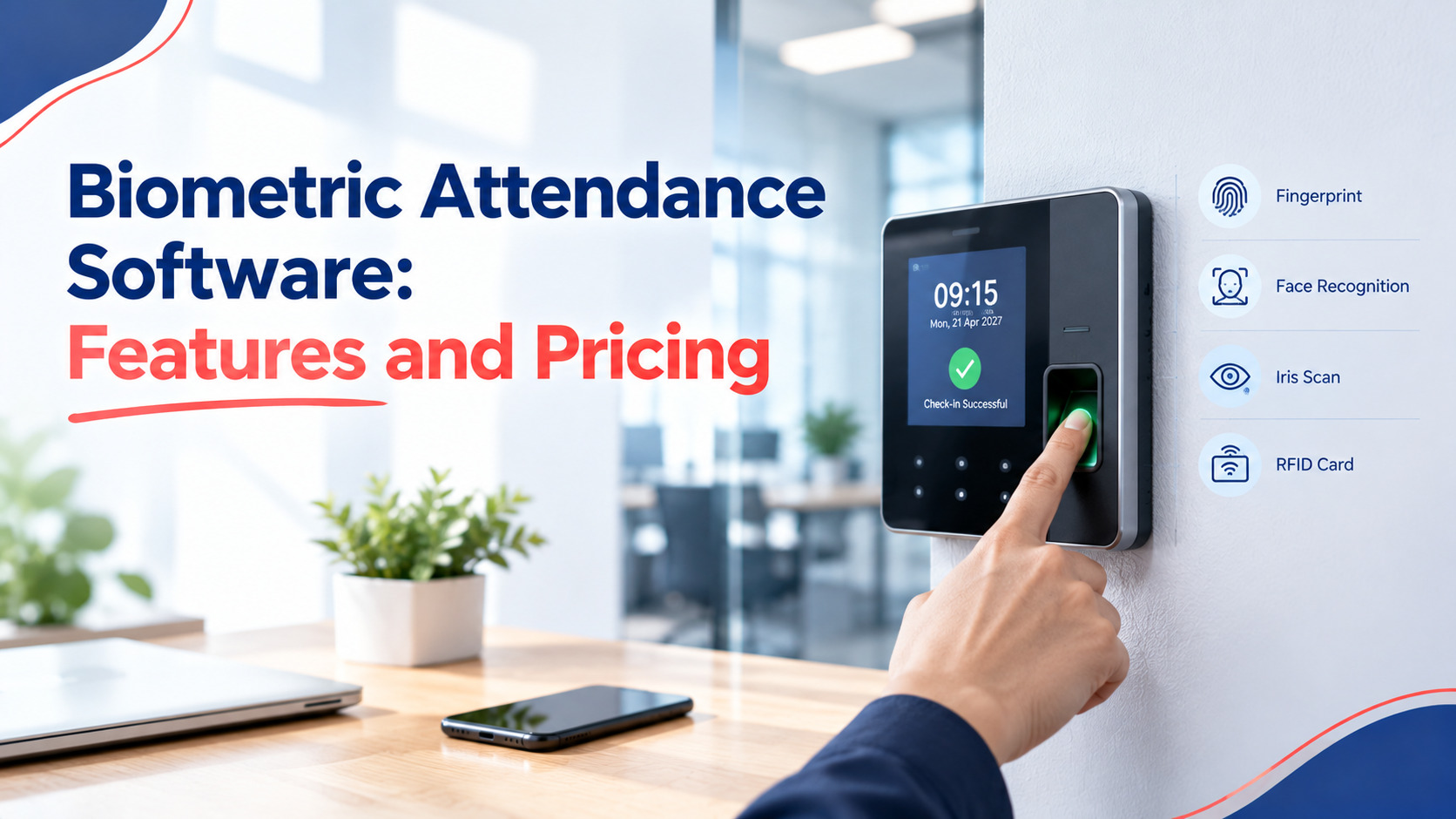
Biometric Attendance Software: Features, Integration, Pricing and How to Choose (2027)
Buddy punches, paper records, and a dispute at the end of the month about who really did walk through the doors on the 14th: that is when most SMEs start their search for attendance software based on biometric solutions to prevent disputes like this one. The problem arises after the purchase is made. Employees do the math, enroll and learn in three months’ time that punch data does not flow into payroll smoothly.
What biometric attendance software does
Biometric Attendance Software converts the raw data collected from biometric devices such as fingerprints, facial recognition or iris recognition into useful attendance records. It links each data entry to an individual employee, considers your policy on shifts and leaves, detects late comers and absenteeism, and transfers the cleaned data to your payroll. The hardware authenticates attendance, while the software interprets its meaning.
This distinction becomes important while shopping. The hardware unit may remain idle hanging on the wall for ten years, but it is the software that will be accessed by your HR staff on a daily basis. If you are a novice to the subject matter, first understand what is a biometric attendance system and then return here to evaluate your options.
In practice, the system manages four tasks: employee enrollment, collection of punches from all locations, application of policies like grace periods, half-days, and overtime, and generation of reports that a payroll clerk can use without verification.
Device compatibility and integration
The software must be compatible with the hardware that you already have or are planning to purchase. There are three criteria that you should check which hardware brands/models can be supported by the software, whether the punches get pushed (sent over the internet) or pulled (pulled on your network) and whether employee templates synchronize in both directions. The list of tested hardware will be more useful than just the claim of compatibility with all of the hardware out there.
The biggest problem in integration is the latter. Hardware that gets pushed to the cloud requires only power outlet and internet connection this is convenient for small branch offices without an IT staff. Hardware that requires polling needs a static IP address or a VPN this is suitable for your main office but not for your store that is located in another city. Ask the vendor to demonstrate the punch getting through the hardware that you have selected.
The modality you pick also affects cost and daily friction:
|
Modality |
Typical device cost in India |
Speed at the door |
Works best for |
Watch out for |
|
Fingerprint |
Rs 8,000 to 20,000 |
1 to 2 seconds |
Offices, retail, general staff |
Worn prints on factory and construction workers |
|
Face recognition |
Rs 12,000 to 40,000 |
Under 1 second |
Busy entrances, contactless needs |
Poor lighting, masks, cheap cameras |
|
Iris |
Rs 25,000 to 60,000 |
1 to 2 seconds |
High-security areas |
Cost, slower enrolment |
These prices are market averages and vary depending on the brand; you can check with the suppliers. If you would like to know more about face recognition, the face recognition attendance system page provides the information.
Must-have features vs nice-to-haves
These include must-have features that attendance records need to make it from the system to the payroll unscathed: scheduling and rostering, leave and holiday management, missing punch handling with an audit trail, multi-location capability, and exportable reporting. These nice-to-have features are additional benefits like geo-fencing and WhatsApp alerts.
Here is a simple way to sort them:
|
Must-have |
Nice-to-have |
|
Shift, grace period and overtime rules |
Mobile app with selfie punch |
|
Leave and holiday integration |
Geo-fencing for field staff |
|
Regularisation requests with manager approval |
Chat-based alerts |
|
Multi-branch device management |
Visitor management |
|
Payroll-ready exports |
Custom dashboards |
|
Role-based access and audit log |
Shift-swap marketplace |
One quick test for sifting through the features is this: ask the vendor to handle a week full of chaos with night shifts, half days, missing punches, and a public holiday. If any manual work is needed on the output, there is definitely something wrong with the rules engine.
Cloud vs on-premise deployment
Cloud deployment means that the software is hosted by the vendor, and you pay for a subscription while not using any servers.
On-premise solution involves hosting of everything on your own hardware and gives you control but involves maintenance and backups. For almost all small-and-medium-sized enterprises with less than 500 employees, cloud deployment is a better and more economical way.
However, on-premise is justified in a limited number of situations like a plant with unstable internet connection, or a contract with the customer that does not allow hosting of solutions outside, or IT department that is already managing such systems. But then, find out who updates the server and who will restore it when hard drive fails at 11 pm on a salary day.
Cloud solution requires its own justification. Find out where the data is located, how often it is backed up, and how are the punches dealt when you have no internet access. Good device retains the punches in memory and sends them back when the connection is available. Poor one loses them.
Data security and privacy
Since fingerprints and faces are sensitive, the vendor should provide proof that it safeguards such information. You should expect the presence of ISO/IEC 27001 certification, encrypted storage and transmission, templates in mathematical format, not image form, and deletion procedures when an employee quits. Employee consent documentation is needed prior to enrollment.
ISO/IEC 27001 outlines the processes an organisation has adopted to manage its information security risk; therefore, ISO/IEC 27001 certificate shows that the vendor has undergone audits instead of just stating its intention of protecting your information. Ask to have the certificate and its scope shown because sometimes the certificate only applies to the vendor's one office or one particular product.
As for legal requirements, India's Digital Personal Data Protection Act, 2023 mandates that consent and a clear purpose for personal data be obtained. Your company may also be bound by GDPR if there are employees from European countries. Please note that this article provides general information, not legal advice.
Three practical questions to put to any vendor:
- Is the raw fingerprint or face image stored, or only an encoded template?
- Can you delete a former employee's biometric record on request, and get confirmation?
- Who at the vendor can see your data, and is that access logged?
Pricing models: per user, per device, annual
Three types of models can be used. User-based model will have a fixed monthly price per user. Device-based model will have a fixed price per device independent of the number of users. Annual/Flat plan involves a fixed number of users/devices at a reduced annual cost. It depends on how flexible you are with changes in headcounts and number of sites.
Below are some illustrations. A company has 120 people spread over 2 sites with 3 devices each worth Rs. 14,000 (total hardware worth Rs 42,000). The numbers below are just indicative.
|
Model |
Assumed rate |
Software cost per year |
Year-one total with hardware |
|
Per user |
Rs 40 per user per month |
120 x 40 x 12 = Rs 57,600 |
Rs 99,600 |
|
Per device |
Rs 1,500 per device per month |
3 x 1,500 x 12 = Rs 54,000 |
Rs 96,000 |
|
Annual flat plan |
Rs 48,000 for up to 150 users and 5 devices |
Rs 48,000 |
Rs 90,000 |
Let's extend the scenario now. If the number of users increases to 180 next year for the same three devices, the cost per user becomes 180 X 40 X 12 = Rs 86,400, while the cost per device remains Rs 54,000. The flat-rate plan goes over the limit of 150 users and needs an upgrade. Therefore, a rapidly growing firm should go in for the per-device or flat rate plan, while a seasonal firm having fluctuating numbers of users will prefer per user.
Don’t forget to enquire about those charges which are not included in the price list: setup charges, extra charges for additional modules like payroll, additional cost per each new location, levels of support and any increased charges on renewal.
Evaluation scorecard
Rate all the selected suppliers according to the following criteria from 1 to 5, multiply the rate by the weight assigned and sum up to make sure you have a rate out of 100. The weights have been set assuming that the company is an average small enterprise. Therefore, modify them as per your needs.
|
Criterion |
Weight |
What to test |
|
Device compatibility |
20 |
Live punch from your exact device model |
|
Rules and payroll accuracy |
20 |
The messy-week test with a night shift and holiday |
|
Security and compliance |
15 |
ISO/IEC 27001 certificate, consent and deletion process |
|
Ease of use for HR and managers |
15 |
A new HR hire completes a correction without training |
|
Total cost over 3 years |
15 |
All fees, renewal terms, growth scenario |
|
Support and onboarding |
10 |
Response time, local-language help, named contact |
|
Reporting |
5 |
Exports payroll can use without edits |
An 80 or better would be a great choice. Anything below 60 almost always indicates a must-have that is missing. References should be checked, so talk to two clients that were the same size as you the first month.
Implementation timeline
An SME implementation usually lasts for three to five weeks from contract signing until go-live. The first week will be for device deployment and network testing, second week will be about employee registration and setting up of guidelines, third week will be parallel processing side-by-side your current process, and remaining weeks will solve any exceptions.
A more detailed plan looks like this:
- Days 1 to 5: Install devices, test connectivity at each site, and import the employee list with IDs.
- Days 6 to 12: Enrol fingerprints or faces, collect signed consent forms, and configure shifts, holidays and leave policies.
- Days 13 to 20: Run in parallel with the old register. Compare totals daily and note every mismatch.
- Days 21 to 30: Fix rule gaps, train managers on approvals, and run one full payroll cycle with HR checking the output.
Scheduling falls through at enrolment, so schedule it in small groups per department rather than having everyone line up on the first day. Have one extra device available on-site for the first month.
If you’d rather not construct this system on your own, then there’s an alternative biometric attendance tracking solution that you can purchase from attendance.ai.
Conclusion
The biometric system on the wall is the easy part. Whether it’s worthwhile investing in this system is dependent on what lies behind it, i.e., policies on handling night shifts and half days, punches received from all sites without having to chase for them, and the ability for payroll staff to make use of the data received.
Thus, shortlist three vendors, conduct the mess week test for each one, obtain the security certification, and determine the cost for the next two years, rather than just the first. Conduct a pilot study at one location before implementing the system at other locations, and maintain a parallel register until the figures tally. One month of scrutiny now prevents a year of correction in the future. If you’re ready to know how this all ties up, you can proceed to the biometric attendance system page.
Frequently asked questions
1. How accurate is the biometric attendance software?
The accuracy of the system mainly depends on the hardware used and the enrolment process, but not on the software. The software’s purpose is to make up for any errors by raising alarms in case of missing punches and approval from managers. Register each employee twice and under proper lighting to reduce cases of rejected punches.
2. Does it function without an internet connection?
Yes, with conditions. Most biometric devices save punch data on the internal memory of the device until the connection is reestablished. In the case of cloud software, the data will be delayed during that time. For companies facing frequent downtime, it is important to know the capacity of punches the device can hold.
3. Is consent needed from employees for the collection of biometrics?
Yes, since both the DPDP Act, 2023 and the GDPR focus on consent and purpose; therefore, obtain written consent, provide information on storage and retention, and offer an alternate like PIN and/or card for those who refuse. Let a lawyer look through your consent form.
4. Which is better fingerprint or face recognition for an SME?
Fingerprints are cheaper and sufficient for office and retail personnel. Face recognition is useful when there are high traffic entrances, touchless requirements, and for those with worn fingerprints. Most SMEs use fingerprints initially, and then incorporate face recognition devices later at their entrance gates, if their software supports that.
5. What is the least expensive option to begin?
Start with one location, two or three devices, and a cloud subscription with either monthly or annual payments. Do not get additional modules until your basic attendance module produces clean data. The most affordable subscription model is per user for small groups and per device for larger groups.