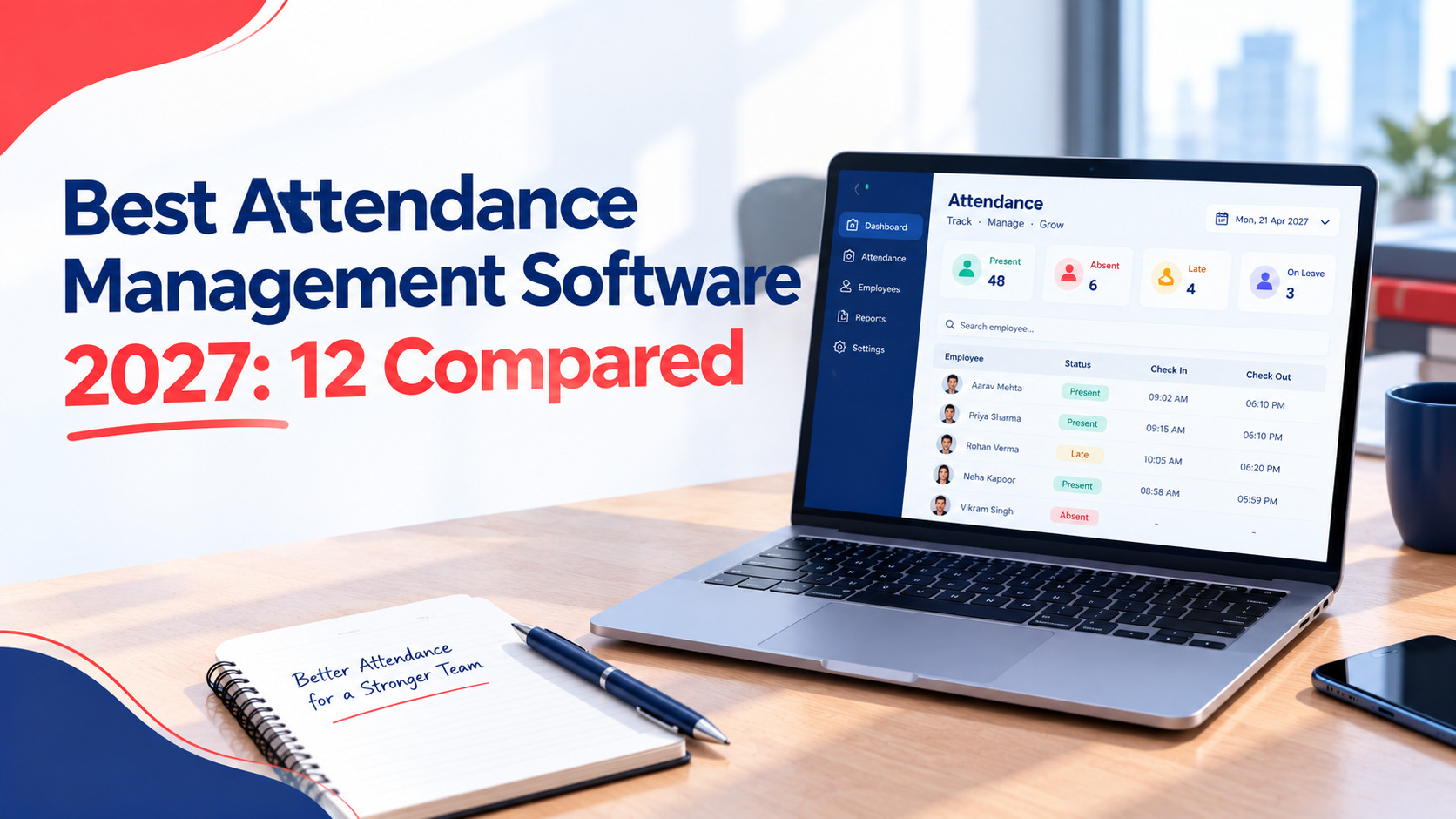
Best Attendance Management Software in 2027: 12 Tools Compared for SMEs (India, US, Europe)
Every attendance tool looks good on its own website. The hard part is comparing them, because one charges per user, another per location, another per module, and a few hide the biometric features in a higher plan.
This guide compares 12 tools for small and mid-sized businesses in India, the US and Europe. It covers biometric support, mobile and field use, multi-country needs, tiny teams, hidden costs and a 14-day pilot plan.
How we compared: 8 criteria that matter
We compared each tool on eight criteria: capture methods, biometric device support, leave and shift handling, payroll and compliance depth, three-year cost, support, privacy and data location, and regional fit. We used public pages retrieved on 13 October 2026. We didn’t test the products or accept payment from any vendor.
What each criterion means:
- Capture methods. Biometric, face, selfie, GPS, geofence, kiosk, offline.
- Biometric device support. Can it read the terminals you already own, or does it use phones and tablets?
- Leave and shifts. Rosters, half days, overtime and leave rules.
- Payroll and compliance. Does it run payroll and statutory rules, or only export hours?
- Three-year cost. Software, add-ons, setup and renewal, not the headline price.
- Support. Channels, hours and how fast people really answer.
- Privacy and data. Where data lives, consent tools and deletion.
- Regional fit. Local law, currency and language.
Quick comparison table of all 12 tools
The table below sets all 12 tools side by side on pricing model, attendance depth, deployment and support. Prices come from public pages and third-party listings, so confirm them before you buy. The order isn’t a ranking, and attendance.ai is labelled as the publisher of this article.
|
Tool |
Pricing model and published price |
Attendance and biometric depth |
Deployment and region |
Support (verified) |
|
Per employee, modular. No prices on the public page, free trial, a setup fee applies (keka.com, 13 Oct 2026) |
Selfie clock-in, geofencing and continuous location punching from the Strength plan, plus leave, overtime and basic shifts. No biometric device list shown |
Cloud, mobile app. India, US, Gulf |
24x7 support listed |
|
|
Base plus per employee. Essential Rs 3,495 per month for 50 employees, Growth Rs 5,495, Enterprise Rs 7,495. Facial recognition add-on Rs 20 and geo tagging Rs 50 per user per month (greytHR help page). Figures differ across pages |
Biometric integrations, shifts and remote or hybrid attendance on Growth and above |
Cloud. India |
Not checked |
|
|
Per user, by plan. Free plan for 5 users, 30-day trial, minimum 5 users (zoho.com, 13 Oct 2026) |
Essential HR+ plan: web, mobile and facial recognition attendance, kiosk, biometric integration, shifts, geo and IP limits |
Cloud. Global, multilingual |
24/5 email support on all plans |
|
|
Per user plus a base fee. A third-party listing shows Rs 290 per user per year plus Rs 69,000 per year base in India (SaaSRat) |
Face recognition on phones and tablets, geofencing, offline capture, multi-agency contract workforce (truein.com) |
Cloud, Android and iOS. India, Gulf |
Not checked |
|
|
Premium: Rs 25,000 for the first year, Rs 10,000 on renewal, for 50 employees. Enterprise: Rs 50 per user per month, shown as a special offer against Rs 100 (attendance.ai/pricing, 13 Oct 2026) |
Check in and out by biometric or mobile, exceptions, requests and approvals, rosters, attendance and leave reports (attendance.ai/features, 13 Oct 2026) |
Cloud, iOS and Android. Prices shown in rupees |
Demo and contact options listed |
|
|
Free forever for unlimited users (jibble.io, 13 Oct 2026). Paid plans exist, prices not captured |
Face recognition, selfie, GPS, geofencing, kiosk, NFC and PIN, offline mode, time off |
Cloud, web, mobile, desktop. Global |
Not checked |
|
|
Free up to 5 users. Paid plans $3.99 to $11.99 per seat per month, billed annually (clockify.me, 13 Oct 2026) |
Kiosk from Basic, attendance and overtime report from Standard, GPS and kiosk photo capture on Pro. No face or fingerprint matching listed |
Cloud. Data regions in EU, UK, USA, Australia on Pro |
24/7 email, chat and phone listed on all plans |
|
|
Lite $5, Core $6.50, Pro $9 per user per month (ERP Research). A $30 minimum monthly spend per invoice is reported on monthly plans (Costbench) |
Time clock and scheduling on all plans, biometrics from Core |
Cloud. US, UK, Australia |
24/7 live chat on Pro |
|
|
Free for 1 location and up to 10 employees. Paid plans $30, $70 and $120 per location per month on monthly billing (HiveDesk, Sept 2026) |
GPS, geofencing, photo verification at clock-in, break alerts tied to state and local laws (Homebase, 24 June 2026) |
Cloud. US hourly teams |
Not checked |
|
|
Free for up to 10 users. Paid plans are priced per hub, from about $29 to $35 per month for the first 30 users (Timeero, Apr 2026) |
GPS time clock, geofencing, kiosk mode. GPS breadcrumbs on higher plans (actiTIME) |
Cloud. Field and deskless teams |
Not checked |
|
|
Essentials $2.50, Pro $5, Premium $8 per user per month, in blocks of five seats (ERP Research). One third-party source adds $1.50 to $2 per user for the time clock (ShiftFlow), so confirm the packaging |
GPS-geofenced, photo-verified clock-ins |
Cloud. US hourly teams |
Not checked |
|
|
Roughly 5 to 8 euros per employee per month by module, with sources differing (Softabase, Mar 2026) |
Clock-in by mobile or kiosk, shift planning, overtime rules per country |
Cloud. Europe |
Not checked |
- You need payroll and statutory rules in the same system. Keka, greytHR and Zoho People are full HR suites. attendance.ai’s public pages list attendance, requests, rosters and reports.
- You run several countries. Factorial, Keka and Deputy publish wider regional coverage, and attendance.ai shows rupee pricing only.
- You’re a team of 10 or fewer and want it free. Jibble, Homebase and Connecteam have free plans.
- You schedule US hourly shifts. Deputy, Homebase and When I Work are built for that.
Best for biometric device integration
For biometric depth, Zoho People, greytHR, Deputy, Truein and Jibble stand out on their public pages. They cover device integration or face recognition on phones and tablets. attendance.ai lists biometric attendance too, but we found no device compatibility list to check, so test your own hardware in a pilot.
- Zoho People. Its Essential HR+ plan lists biometric integration, a facial recognition kiosk, and attendance by web, mobile and facial recognition.
- greytHR. Biometric integrations sit on the Growth plan and above, and facial recognition costs Rs 20 per user per month as an add-on.
- Deputy. Biometrics start on the Core plan at $6.50 per user per month.
- Truein and Jibble. Both use face recognition on phones and tablets, so you don’t need fingerprint hardware.
- attendance.ai. The features page lists capture through biometric or mobile. Ask the vendor which terminals it reads.
If you already own fingerprint terminals, the key question is compatibility, not features. Our supported biometric devices page covers how attendance.ai approaches it, and our biometric attendance software guide goes deeper.
Best for mobile and field teams
Connecteam, Homebase, Truein, Jibble and Keka are the strongest public cases for mobile and field teams, thanks to GPS, geofencing, selfie or face checks and, in some cases, offline capture. Which one fits depends on whether your crews are hourly shift workers, contract labour or office staff on the move.
- Connecteam. Built for deskless teams, with GPS, geofencing and kiosk mode, and breadcrumbs on higher plans.
- Truein. Aimed at contract and multi-site workforces, with face verification, a 20-metre geofence and supervisor-assisted offline capture.
- Jibble. GPS, geofencing, selfie capture and offline mode on a free plan.
- Keka. Selfie clock-in, geofencing and continuous location punching, from the Strength plan.
- Homebase and When I Work. Better suited to US hourly teams that also need shift scheduling.
Our mobile attendance app page explains how GPS, selfie and geofence checks work together.
Best for multi-country compliance
For several countries, Factorial, Keka, Zoho People and Deputy publish the broadest regional coverage. Factorial focuses on Europe, Keka on India, the US and the Gulf, Zoho on multilingual global use, and Deputy on the US, UK and Australia. attendance.ai’s public pages show rupee pricing only, so it isn’t our pick here.
- Factorial. One partner source says it supports the Netherlands, UK, Ireland, Spain, France, Italy, Germany and the Baltics, with overtime rules set per country. That’s a reseller’s description, so check it on Factorial’s own pages. Another source says it isn’t suited to US-only companies.
- Keka. States that it covers labour laws across all 28 states and 8 union territories in India, and lists US and Gulf versions.
- Zoho People. Supports many languages, and its payroll modules cover India and the UAE.
- Clockify. Not an HR suite, but its Pro plan lets you host data in the EU, UK, USA or Australia.
Whichever you choose, check where data is stored and whether the tool follows local privacy law. For the legal side of biometric data, see our biometric attendance system guide.
Best for very small teams
For very small teams, free plans matter most. Jibble is free for unlimited users, Homebase for one location with up to 10 employees, Connecteam for up to 10 users, and Clockify for up to 5. Paid options like attendance.ai’s Premium plan suit teams that want a flat annual price.
- Jibble: free forever for unlimited users, with face recognition and GPS included.
- Homebase: free for 1 location and 10 employees, and paid plans stay flat as you hire more.
- Connecteam: free for 10 users with all hubs, but reviewers flag a steep price jump after that.
- Clockify: free up to 5 users. It’s time tracking first, so check the attendance features you need.
- attendance.ai Premium: Rs 25,000 for the first year and Rs 10,000 on renewal covers 50 employee licences, which works out to roughly Rs 2,083 a month in year one and Rs 833 on renewal.
- Zoho People: its free plan covers 5 users, but only the employee database and time off, not attendance.
Compare the free tools carefully. Free plans often cap users, locations or features, and the cap is where the bill jumps.
Pricing models and hidden costs
Tools price by user, location, hub or module, and each model hides different costs. Watch for setup fees, minimum spends, add-ons for GPS or face recognition, and jumps in price once you pass a free limit. Compare total monthly cost for the features you need, not the headline rate.
How the models differ:
- Per user: Clockify, Deputy, When I Work, attendance.ai Enterprise. Cost grows with every hire.
- Per location: Homebase. Flat as you hire, but costly across many sites.
- Per hub: Connecteam. You buy each hub separately after the free plan.
- Base plus per employee: greytHR and Truein.
- Modular per employee: Keka and Factorial.
- Flat annual: attendance.ai Premium.
Hidden costs we found on public pages or in reviews:
- Keka: a setup fee applies, though the page calls it nominal.
- Deputy: a $30 minimum monthly spend per invoice is reported, and some reviewers mention onboarding fees.
- greytHR: geo tagging (Rs 50) and facial recognition (Rs 20) cost extra per user, and prices differ between its pages.
- When I Work: sources disagree on whether the time clock is included or an add-on.
- Connecteam: reviewers report a sharp jump after the free 10 users, and separate bills per hub.
- Zoho People: minimum 5 users on all plans.
Worked example: 50 employees, monthly cost for the listed plan. These aren’t like for like, since currencies and features differ.
- attendance.ai Enterprise: 50 x Rs 50 = Rs 2,500 per month, at the public special-offer price.
- greytHR Growth: Rs 5,495 per month for 50 employees. Add facial recognition (50 x Rs 20 = Rs 1,000) and geo tagging (50 x Rs 50 = Rs 2,500), and it becomes Rs 8,995.
- Clockify Standard: 50 x $5.49 = $274.50 per month, billed annually.
- Deputy Core: 50 x $6.50 = $325 per month.
- Homebase Plus: $70 per location per month, for one location.
Our pricing page shows attendance.ai’s current plans.
How to run a 14-day pilot
A 14-day pilot is enough to compare two or three shortlisted tools. Load 10 to 20 real employees, run real shifts and leave, compare the totals with your manual count, test support, and score each tool with the rubric below. Decide on evidence, not on the demo.
A simple 14-day plan
- Days 1 and 2: write your must-haves, shortlist two or three tools and set up free trials or demos.
- Day 3: load 10 to 20 employees, including a shift worker, a field worker and someone on leave.
- Days 4 to 10: run real attendance. Include late arrivals, half days, a missed punch, a shift change and a leave request.
- Day 11: compare each tool’s totals with your manual count. Note every difference.
- Day 12: test support. Ask three real questions and time the replies.
- Day 13: check privacy. Where is data stored, how is consent handled and can you delete a leaver’s record?
- Day 14: score each tool and pick.
Scoring rubric
| Capture methods | weight 15 score ___ total ___ |
| Biometric and device support |
weight 10 score ___ total ___ |
| Leave, shifts and overtime |
weight 15 score ___ total ___ |
| Payroll and compliance fit |
weight 15 score ___ total ___ |
| Three-year cost |
weight 15 score ___ total ___ |
| Support and response time |
weight 10 score ___ total ___ |
| Privacy and data location |
weight 10 score ___ total ___ |
| Regional fit |
weight 10 score ___ total ___ |
WEIGHTED TOTAL (out of 1,000): ______ Divide by 100 for a score out of 10
Change the weights to suit you. A factory might weight biometric support higher. A multi-country firm might weight regional fit higher.
Conclusion
No single tool wins for every business. HR suites like Keka, greytHR and Zoho People suit teams that want payroll and compliance in one place. Free plans from Jibble, Homebase and Connecteam suit very small teams. Deputy and When I Work suit US hourly shifts, and Factorial suits Europe.
Pick two or three that match your workforce, run the 14-day pilot, and score each one with the same rubric. Check prices on the vendor’s own page first, because they change. attendance.ai, the publisher of this guide, is worth including in your pilot if you want biometric attendance with simple pricing.
Frequently asked questions
1. Which is the most suitable attendance management software for SMEs?
No one software can be considered the best. Zoho People, greytHR, and Keka are suitable for teams looking for HR and payroll functionality, while Jibble, Homebase, and Connecteam are suitable for very small teams, whereas Deputy and When I Work are suited for US hourly work. Choose the one according to your needs, then conduct a pilot.
2. Which attendance software supports biometric terminals?
According to Zoho People, their Essential HR+ version supports biometric terminals, greytHR – starting from their Growth package. Also, Deputy from their Core package on provides this feature. Truein and Jibble use facial recognition using mobile phones and tablets.
3. Is there any free attendance software?
Yes. Until 13 October 2026, Jibble will be free for unlimited users, Homebase for one location with up to 10 employees, Connecteam for up to 10 users, and Clockify for up to 5.
4. What is the cost of attendance software?
There are various options. In India, attendance.ai has a price point of Rs 50 per user per month on the Enterprise plan while greytHR charges Rs 3,495 per month for 50 employees. Globally, public price points per user vary between approximately $2.50 and $11.99 per month.
5. How long should I pilot attendance software?
Fourteen days would be sufficient for most small businesses to do a trial run of the system. Run real shifts, late, early, missed punches and calculate total time versus manually calculated time.