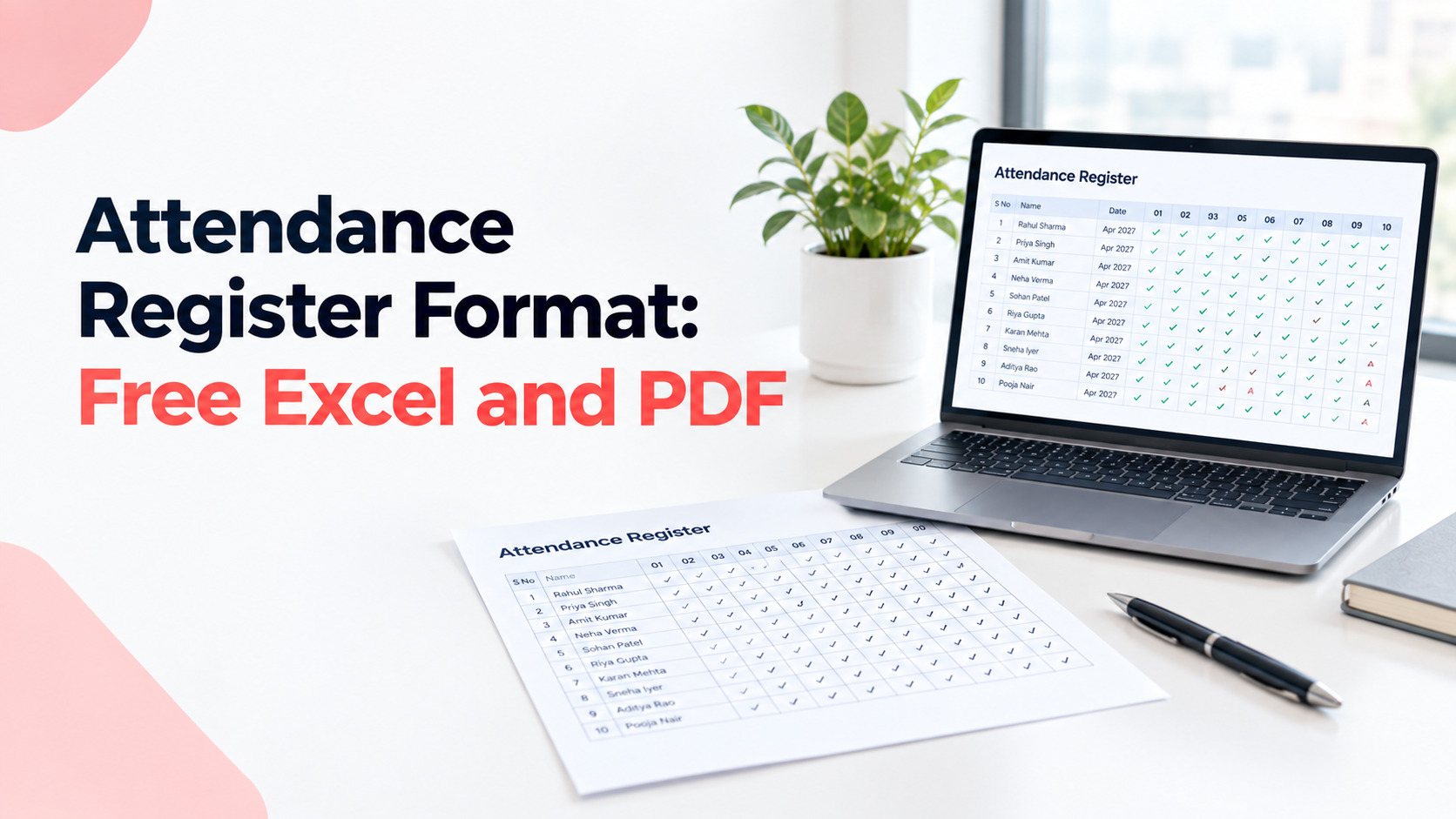
Attendance Register Format: Free Excel, PDF and Word Templates (India, 2027)
Most attendance registers go wrong in the first week. Someone draws a grid. Someone else adds a column. By month end, nobody remembers what "HD" or "PL" meant. Then an inspector asks to see the register, and you're trying to read your own handwriting.
This guide gives you free attendance register formats in Excel, PDF, Word and Google Sheets. You also get a template you can copy, a version for shift work, and a sample showing how to fill it in. We explain what the new labour codes changed, and whether a digital register is allowed. It's written for HR managers, business owners and employees in India.
What an attendance register is and who must keep one
An attendance register contains the list of employees who came to work during the particular period, those who were absent, on leave, the number of overtime hours worked by the latter. Employers subject to the Code on Wages are obliged to maintain such a register in the prescribed format. The relevant form of attendance register will depend on whether the employer is governed by central regulations or state regulations.
The simplified version.
Attendance register is the document providing the answer to one question who worked during the particular day? The reason for such record maintenance is that questions of overtime, leaves and wages will be solved in connection with attendance register.
Who has to maintain an attendance register? Most employers employing wage-earners. The Code on Wages and its Rules require the following registers from employers subject to it: an employee register, a wages and overtime register and an attendance register. These registers have to be maintained either in writing or electronically.
However, there is one exception. The central government has issued a standard form of attendance register but employers governed by state regulations maintain attendance register in a format set by their state.
Attendance register format: download Excel, PDF, Word
There are four file types for downloading the register. They include Microsoft Excel, which is for everyday use; PDF, which is used for printing; Microsoft Word, where you can add your company information; and Google Sheets, which allows for editing by more than one person at a time.
Not sure which one to pick?
- Excel: one person updates it, and you want it to count days for you.
- Google Sheet: supervisors on different shifts mark attendance from their phones.
- PDF: you want to print sheets for the gate or the shop floor.
- Word: you want your logo, branch name and a signature box on top.
All four templates are free. No email address required; nothing is password-protected. Just use the templates as is, or modify the codes according to your policy. More HR templates can be found in our HR templates collection. For the muster roll format, please refer to the muster roll format guide.
Monthly attendance register with leave and overtime columns
Monthly Attendance Sheet has one row per employee and one column per day. Each day should be marked using a code such as P (present), PL (paid leave). Add the total numbers at the end of the month and get a supervisor to sign. Below is a template that can be copied.
ATTENDANCE REGISTER
Establishment: ____________
Month and year: ____________
Department or shift: ____________
FOR EACH EMPLOYEE (one block per person)
Emp ID: ______
Name: ____________
Daily marks, day 1 to day 31: ______________________________
Days present: ____
Paid leave (PL): ____
Casual leave (CL): ____
Sick leave (SL): ____
Weekly offs (WO): ____
Public holidays (PH): ____
Days absent: ____
Overtime hours: ____
Employee or supervisor sign: ____________
CODES
P = Present, A = Absent, HD = Half day, WO = Weekly off,
PH = Public holiday, PL = Paid leave, CL = Casual leave, SL = Sick leave
Prepared by: ____________
Checked by: ____________
Date: ____________
In the Excel, Word and Google Sheet files, these same fields run across as one row per employee, with a column for each date.
A version for shift work. Do you run shifts, or need in and out times on record? Make one entry per person per day instead. It takes longer, but it's much easier to defend when someone questions their overtime.
DAILY ATTENDANCE ENTRY
Date: ____________
Emp ID: ______
Name: ____________
Shift: ______
In time: ______
Out time: ______
Hours worked: ______
Overtime hours: ______
Place of work: ____________
Remarks: ____________
Which one should you use? The monthly layout suits offices. The daily entry suits factories, warehouses and any place that pays overtime. If you track hours instead of days, our guide to the attendance sheet in Excel has a ready layout.
Register under the new labour codes: what changed
These labour codes have introduced only one common register which is called the Attendance Register cum Muster Roll, and its name under the central laws is Form IX. It can be maintained either on a paper basis or in an electronic form, and its period of retention is five years from its last entry date.
Here's what that means, step by step.
- The timeline. The four labour codes started on 21 November 2025. The final central rules were notified on 8 May 2026. Those rules gave us the actual forms and registers.
- One register, not two. A muster roll is simply the record of who worked on which days. Before, a muster roll and an attendance register were often kept separately. Under Rule 51 of the central rules, they're now one document, Form IX. Two other forms matter alongside it: Form I for the employee register, and Form IV for the wages and overtime register.
- Paper or electronic. Either one is allowed.
- Five-year storage. Keep the register for five years after the date of the last entry. That's longer than most people expect. Five years is a long time to keep sheets in a cupboard, and a long time to keep a spreadsheet nobody backs up.
- What Form IX records. It records daily attendance and overtime for each employee, plus their shift, place of work and any out-of-workplace assignment.
The template above covers those fields in a practical layout, but it isn't the official form. Get the official Form IX from theMinistry of Labour and Employment or theCode on Wages (Central) Rules 2026 text. Then ask a labour law professional which version covers you, because some state rules are still settling.
In short: one combined register, paper or digital, kept for five years. Check whether central or state rules apply to you.
Manual register vs digital register: legal validity
Both are legally acceptable. The Rules of the Code on Wages state that the register may be maintained either manually or in digital format. What is important is the fact that it should be correct, unalterable, and available for the inspection by the officer on request.
So which should you pick?
Paper works when:
- You have a very small team.
- The site has no devices or internet.
- Staff aren't comfortable with phones or computers.
Digital works better when:
- You have more than about 25 people.
- You have several branches.
- You calculate overtime and leave straight from the record.
If you go digital, check these four things:
- Edit history. Every change should show who made it and when.
- Easy retrieval. You should be able to print or export any month in minutes.
- Five-year storage. The data must stay available even if you change vendors.
- Limited editing. Not everyone should be able to change past entries.
Paper registers fail on the same points, in reverse. Overwritten entries, missing pages and "we'll fill it in later" are what an inspector spots first.
How to fill it correctly, with a sample
The register must be filled on the same day using the same code each time. Do not leave any cell empty. Total amounts must be added up in the same way each month, then have the total signed off by a supervisor. The code explains to the reader what has happened.
Sample: one employee, one month
Ravi works in a 30-day month. It has 4 Sundays off and 1 public holiday, so there are 25 working days. Here's his month:
- 20 full days present (P)
- 2 half days (HD)
- 2 days of paid leave (PL)
- 1 day absent (A)
- 4 weekly offs (WO) and 1 public holiday (PH)
- 6 hours of overtime
Check that the days add up: 20 + 2 + 2 + 1 + 4 + 1 = 30. They do.
Now his totals:
- Days present: 21 (20 full days, plus 2 half days counted as 0.5 each)
- Paid leave: 2
- Weekly offs: 4
- Public holiday: 1
- Days absent: 2 (one full day, plus the two missing half days)
- Overtime: 6 hours
You can calculate using attendance caluculator
Common mistakes to avoid
- Filling it at month end. Memory isn't a record keeper. Mark it daily.
- Leaving blank cells. Every day needs a code, even weekly offs.
- Mixing up codes. If "L" means leave on one sheet and late on another, the totals are meaningless.
- Counting half days as full days. Or ignoring them. Pick one rule and keep to it.
- Overwriting corrections. Strike through the old entry, write the fix and initial it. In a digital file, use a tracked edit.
- Skipping the sign-off. An unsigned register is easy to dispute.
- Losing old months. You need to keep five years, so back them up.
- Using one format for everyone. If shifts or places of work differ, the register should show it.
Move from paper to software in a day
You can move from paper to software in one day if you get three things ready first: your employee list, your leave and shift rules, and your holiday list. Load them in, test with one team, then switch everyone. Keep the paper register going until the numbers match.
Here's a simple one-day plan:
- Morning: gather. Collect the employee list with IDs, departments, shifts, weekly offs and your leave policy.
- Late morning: load. Import the list. Add holidays and leave types.
- Afternoon: test. Run one team's punches through the system and compare with the paper sheet.
- End of day: switch. Tell staff how to mark attendance, and who to ask if a punch is missed.
Run both for a week after. The truth is, it is this overlap which prevents the first month from becoming a fight.
Looking for a register, compliance documentation and labour code readiness all in one? Then you can get them using the attendance, compliance and labour code readiness modules and digital register in attendance management software attendance.ai. It will depend on your company size when you need them, but spreadsheets can work for now.
Conclusion
An attendance register is a simple record, but it carries a lot of weight. It decides how overtime, leave and wages get settled, and it's the first thing an inspector asks to see.
The good news is that it's easy to get right. Here's what to remember:
- Use the same codes every day, and never leave a blank.
- Fill it in on the day, not at month end.
- Keep it for five years, on paper or digitally.
- Check whether central or state rules apply to you, and use the official Form IX where it's required.
Start with one of the free templates above. If your team grows or you add branches, moving to a digital register is easy, and you can run it alongside the paper one for a week to be sure the numbers match.
Frequently asked questions
What is meant by attendance register?
It means a document that contains details of attendance, absence, and leaves for each individual employee. The attendance register has to be maintained by the prescribed employer under the Wages Code.
What is the format of attendance register under the revised labour codes?
As per Rule 51 of the Code on Wages (Central) Rules 2026, the Attendance Register cum Muster Roll is in Form IX. However, the state government can also have their own version; please check yours.
Is it legal to have the attendance register digitally?
Yes. The rules allow the attendance register to be maintained in electronic form. Make sure that the register is accurate and not tampered with.
For how many years is the attendance register supposed to be maintained?
As per the central rules, five years from the date of the last entry in the register are sufficient. However, your state rules can be different.
Can I use this free Excel template as my attendance register?
It is just the format to help you. You should download the official Form IX and consult a labour law expert if it meets your requirements.